Browse
Use the address bar for a URL, a World, or a search. Back, forward, tabs, and pinned pages make it a browser you can move around in.
 ANKLE
BRIEF
Team brief · November 2026
A browser for moving through the web. A harness for getting work done. Worlds for the things people make together. ANKLE OS connects those operations in one environment.
ANKLE.app is the desktop home for the OS. A shared address bar, tabs, and pinned sidebar keep websites, Worlds, Studio, and the agent close at hand. The page changes inside the app; the navigation stays with you.
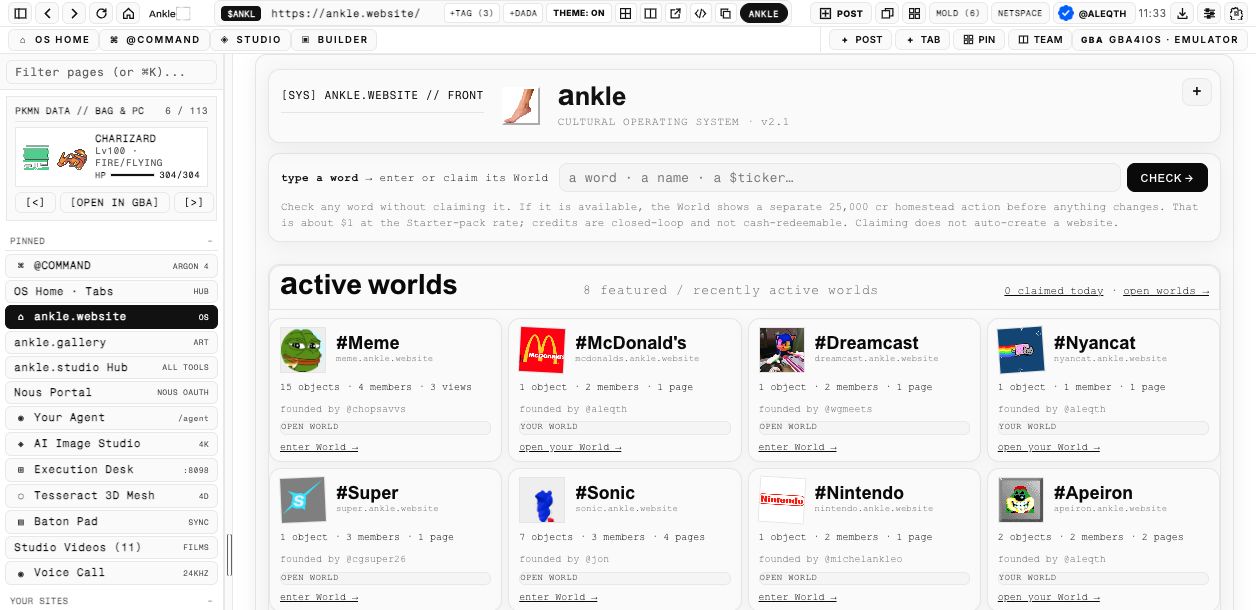
Use the address bar for a URL, a World, or a search. Back, forward, tabs, and pinned pages make it a browser you can move around in.
Studio, Builder, the agent, and Execution Desk sit alongside the page. Split view, tagging, and page tools are part of the browser controls.
Move from finding something, to making with it, to placing the work in a World. The app connects the surfaces shown below.
Captured from the running app’s local web shell, displayed in a browser on November 11, 2026. The app reports v1.0.46. Native-window behavior is a separate check.
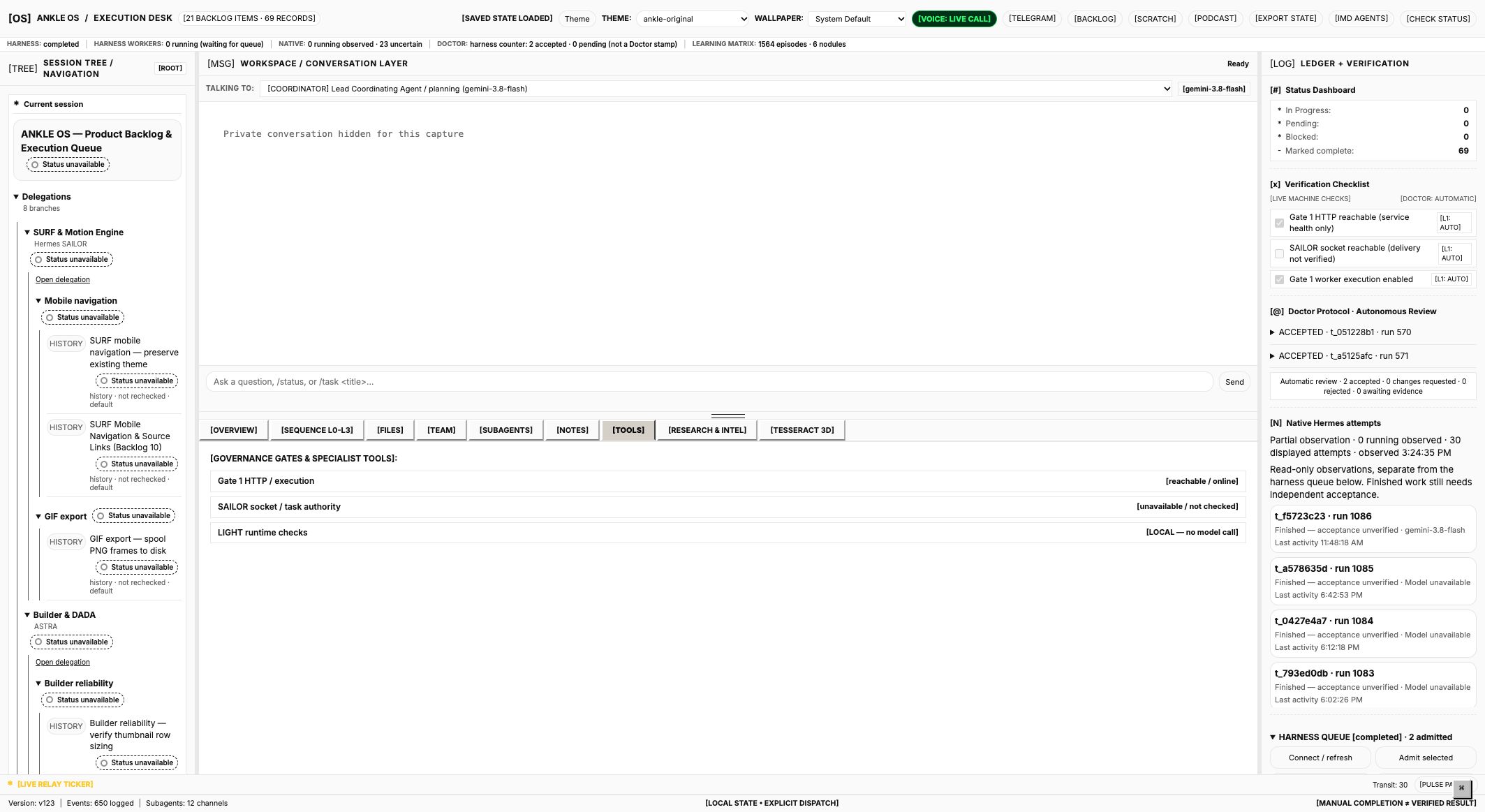
This is the coordination side of the OS: organize sessions and delegated work, keep the conversation beside the tools, and inspect the evidence behind a result. It is available from the app’s pinned sidebar.
Browser search, the SURF archive, and the Research & Intel view support discovery before the work begins.
Builder is the authoring surface. Saved pages can be previewed, published, and attached to a World.
Open Builder ↗The session tree, Team, and Subagents views separate work into tasks and delegated branches while keeping a coordinator in view.
Files, Notes, and the conversation stay beside the operation. The workspace keeps the materials close to the work.
Tools, queue controls, and native attempt records expose different parts of the running system. Voice and podcast entry points sit in the top bar.
The ledger distinguishes recorded completion, machine checks, and independent acceptance. A completed label is not proof of a delivered result.
Actual local Execution Desk, captured November 11, 2026. This is a view of the interface and its saved state, not a newly executed demonstration. Runtime readiness and teammate access remain separate checks.
A World is a place with its own subject, people, media, and authored websites. The browser connects you to it; Builder gives you a way to add to it.
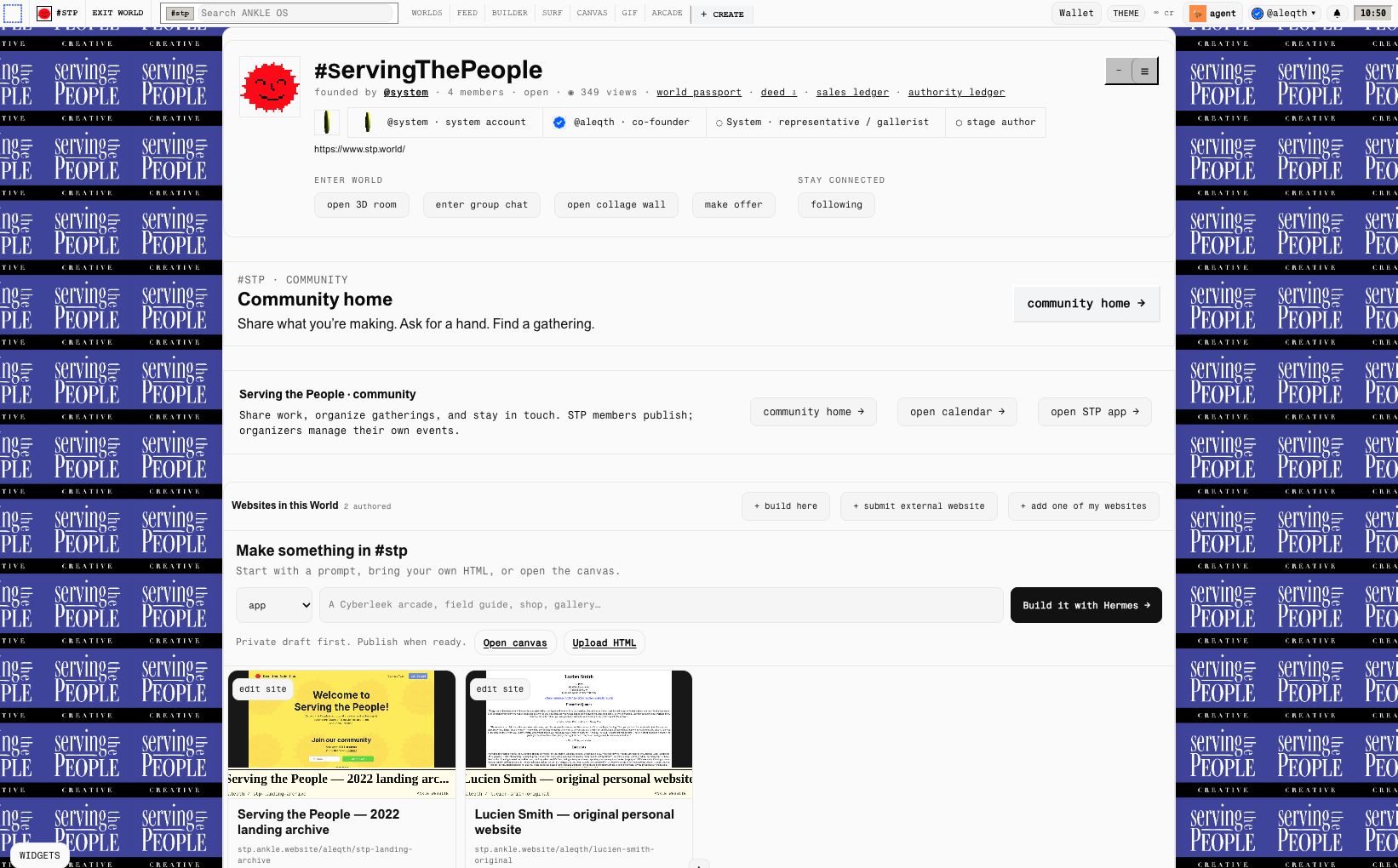
World 01 / Community
Community pages, group chat, a collage wall, and authored websites gathered around Serving the People.
World 02 / Play & making
A food word becomes a shared place for posts, images, and things people build. One example is SANDWHICH JENGA, Alex’s 3D deli-stacking game, linked from the Sandwich World.
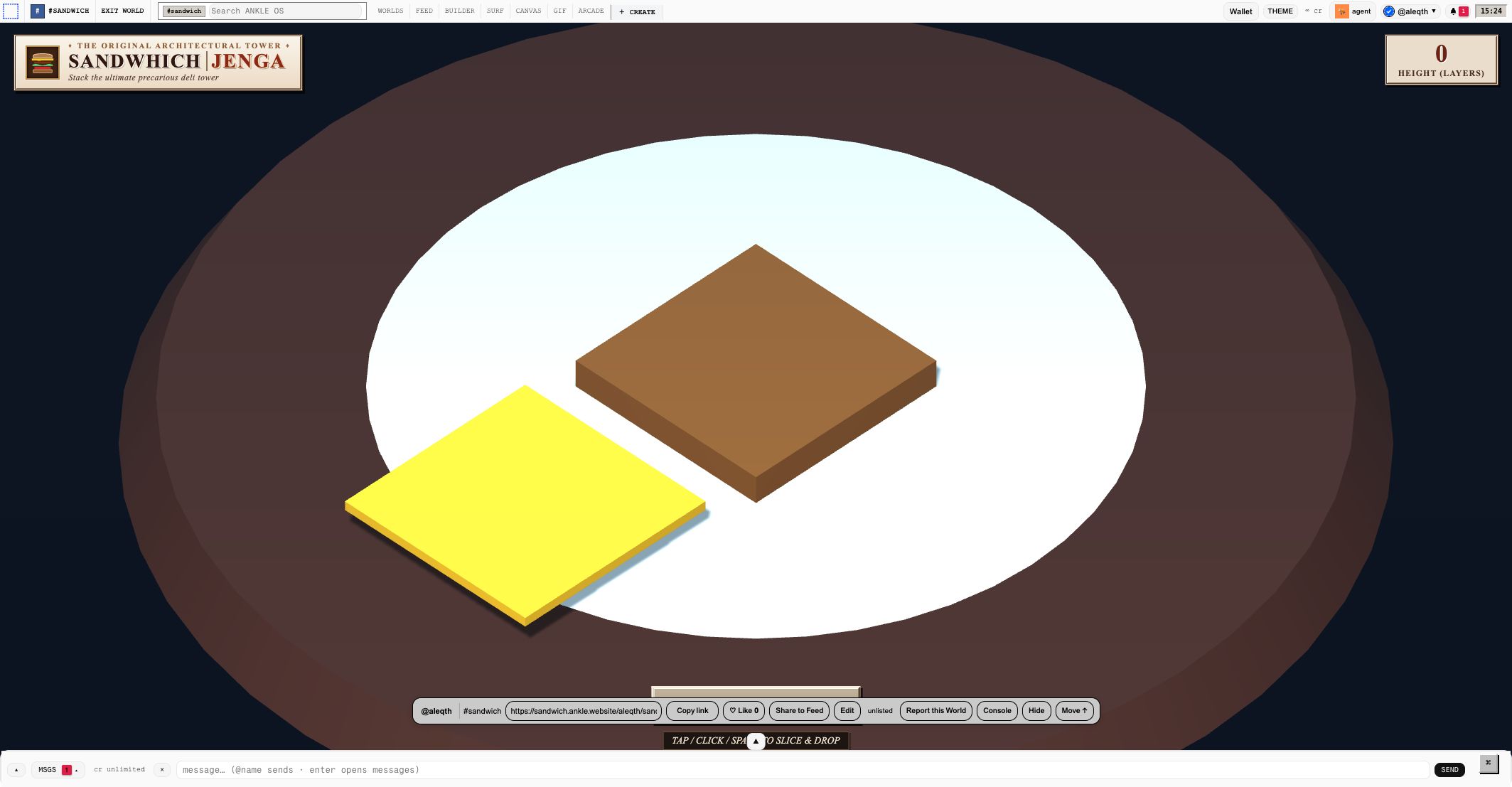
Alex-owned example, already linked from the World. This unlisted site opens by its direct link. The capture shows its loaded page and 3D scene.
Images retain their captured proportions. Open any image to inspect the full resolution. Signed-in controls vary by account.
The desktop app brings the browser, pinned tools, agent, and local Execution Desk into one shell.
ANKLE.app / on your MacStudio holds the creative tools, workspace, and team dashboard. Start here to make work or pick up a team task.
ankle.studioWorlds are community homes on ANKLE OS, with their own identity, websites, conversations, and shared activity.
ankle.website / Worldsaleqth.com is Alex’s practice and laboratory. Untitled Works lives here, powered by ANKLE OS.
aleqth.comCurrent working lanes, drawn from the team’s existing records. The detailed responsibility map is still being confirmed.

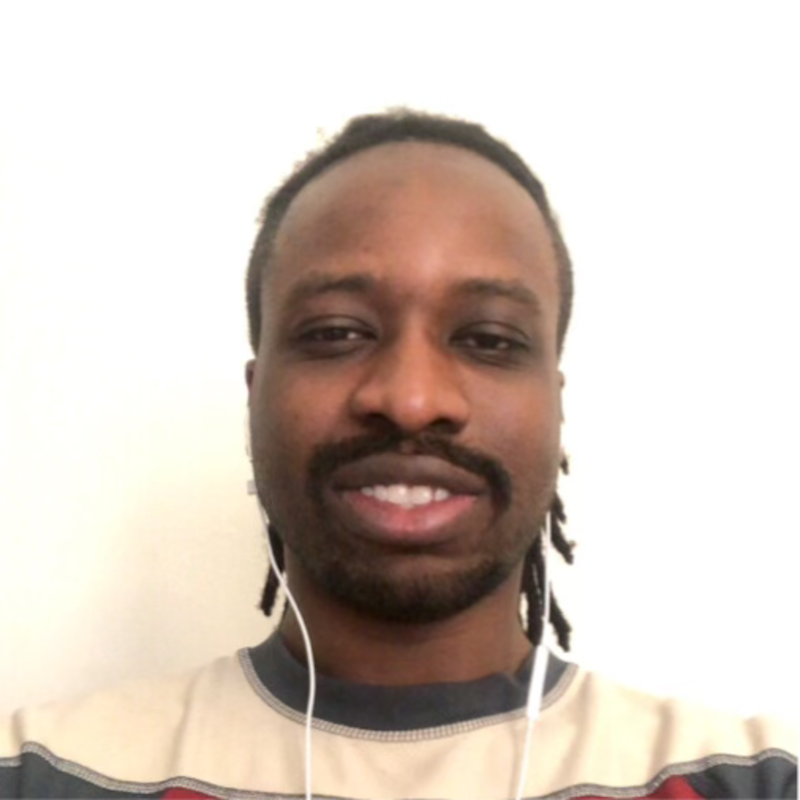
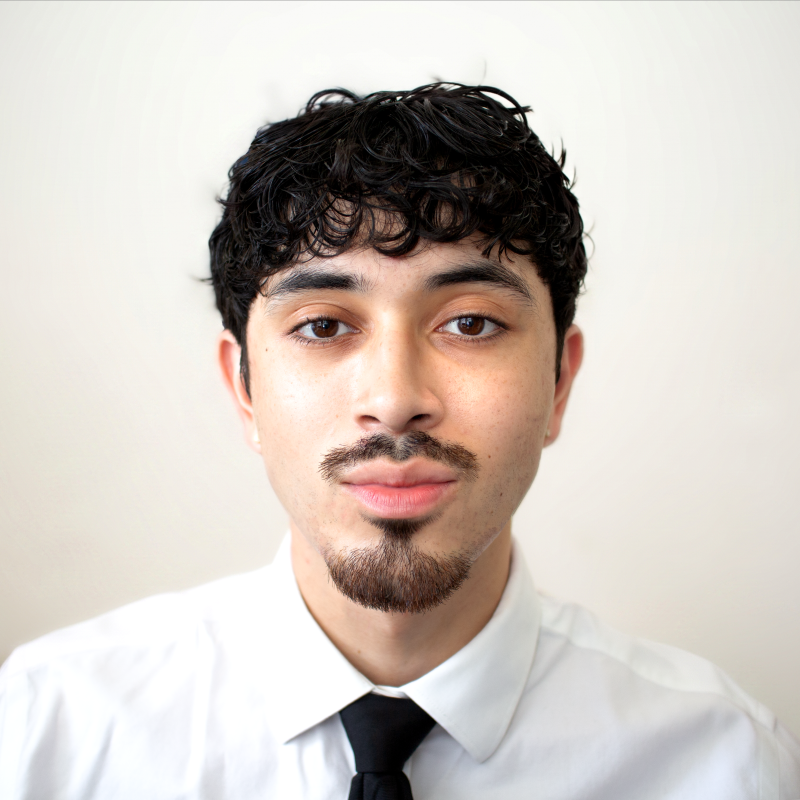
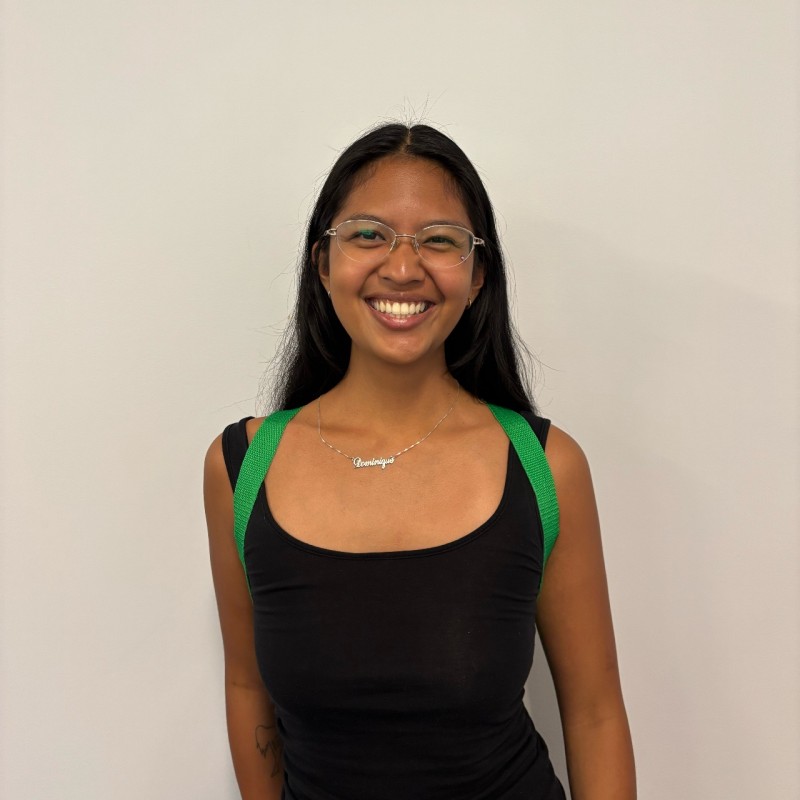

An aleqth.com operation
Untitled Works is Alex’s numbered-print operation on aleqth.com, powered by ANKLE OS. These collected editions show current availability and the collector marks approved for display. Counts update from the live catalog.
Loading live editions…
Use the team dashboard for responsibilities, active work, and the shared update ledger. The brief is a guided introduction; the dashboard is where the ongoing work belongs.
Still being finalized: the team’s responsibility map and Em’s onboarding, instructions, and dashboard setup. These should be confirmed before they are treated as a finished handoff.